
Iphone 17 software update for Carplay
Preparation:
Prepare a 1GB – 32GB(Max) USB (USB2.0 or lower) stick which is FAT32 formatted.
** if you only have a larger USB stick, please erase the content on the stick and create an active partition not exceeding 32GB and FAT32 format this active partition.
You may need to try with several different USB sticks, as not all USB sticks are compatible with FAT32 format.
Download update file:
Please download the update from this link à
http://www.carphonics.co.uk/updates/iphone17update.zip
Resolution Fix:
Resolution upgrade is done AFTER the main upgrade. So please come back to this, after the main upgrade, or if you have 2 USB sticks, you can prepare both at the same time.
TV tuners with 2 screws on the side of where the label is à http://www.carphonics.co.uk/updates/reso1.zip
TV tuners with 0 screws on the side of where the label is à http://www.carphonics.co.uk/updates/reso2.zip
Hybrid TV Tuners à http://www.carphonics.co.uk/updates/reso3.zip
Once downloaded, please open the folder it has downloaded to, and unzip the file.
If your computer hasn’t got software to unzip the file, you can download winrar for free, by going to this link à https://www.win-rar.com/predownload.html?&L=0
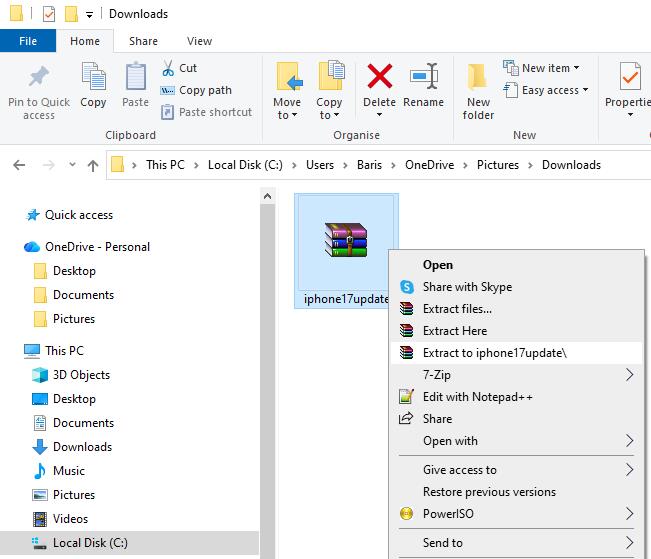
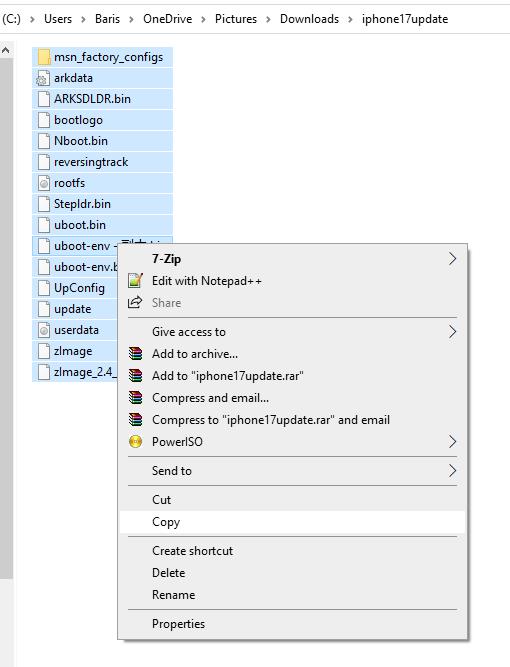
Once it has unzipped, open the folder it has unzipped to, and highlight all the files, as shown in the photo, and select copy.
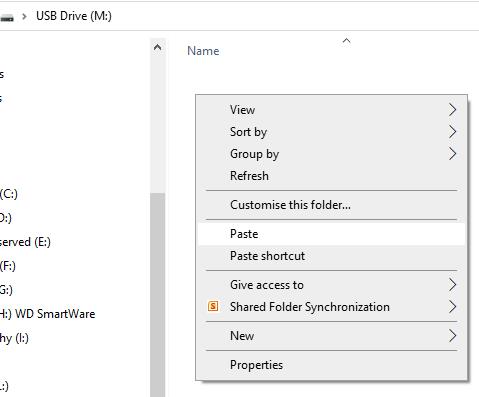
Then please insert/select the USB Stick, and past the files on to the main directory.
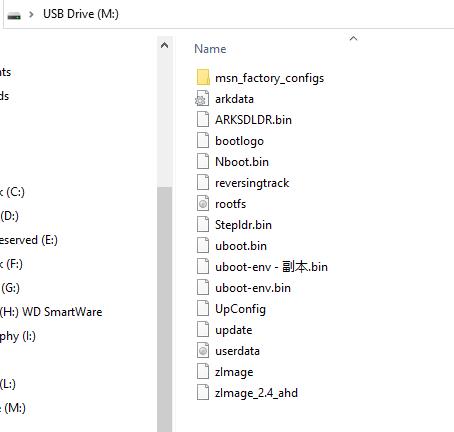
Directory on the USB should look like this.
Once your USB stick is ready, go to your car, turn ignition on, disconnect Bluetooth and wifi from your phone, or in fact forget the device in your Bluetooth settings, as you will need to do a fresh reconnection, once the update is done.
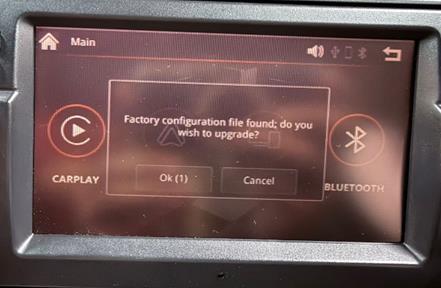
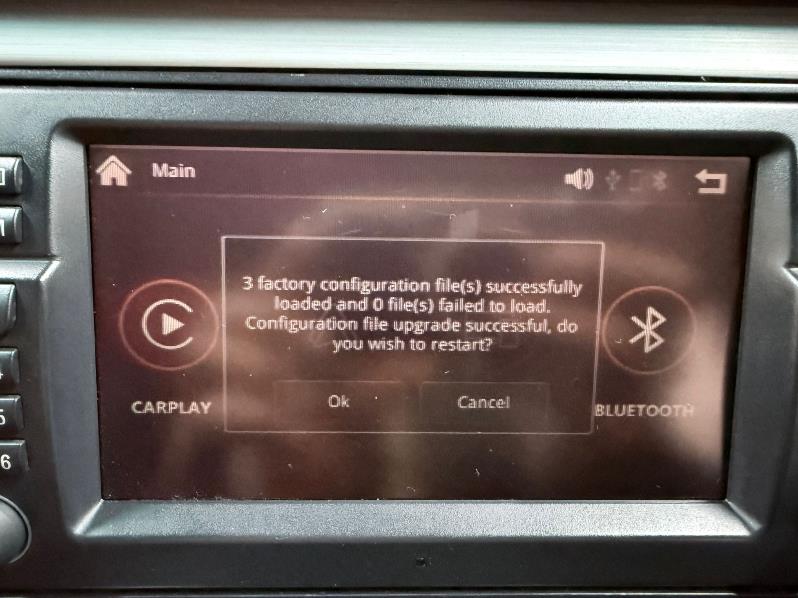
Insert the USB stick into the USB cable from the TV tuner/Carplay. You will see a pop up screen on your screen, which says, Factory configuration file found; do you wish to upgrade? Push Ok, or push the right control knob.
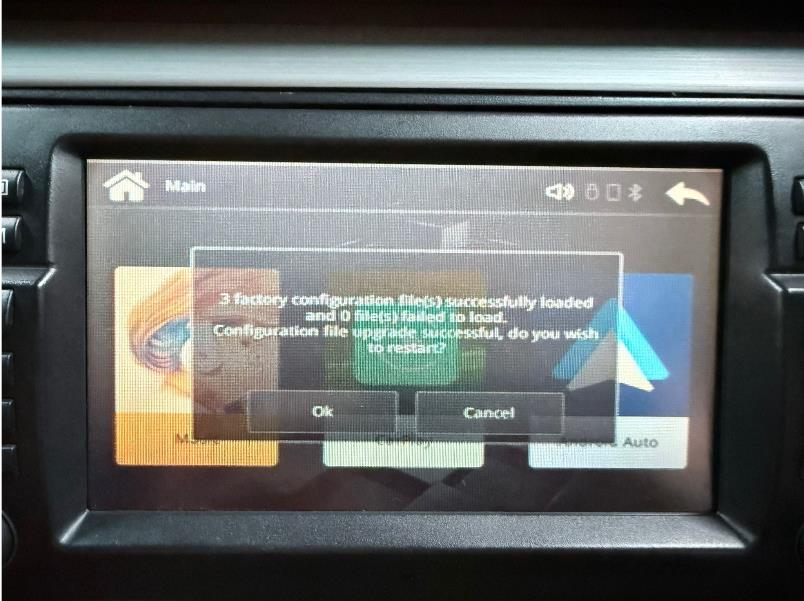
The next pop screen will now be shown, asking if you wish to restart. Press OK, or push the right control knob again.
Screen will go blank for about 5 minutes. Once complete, you will see this type of menu screen.
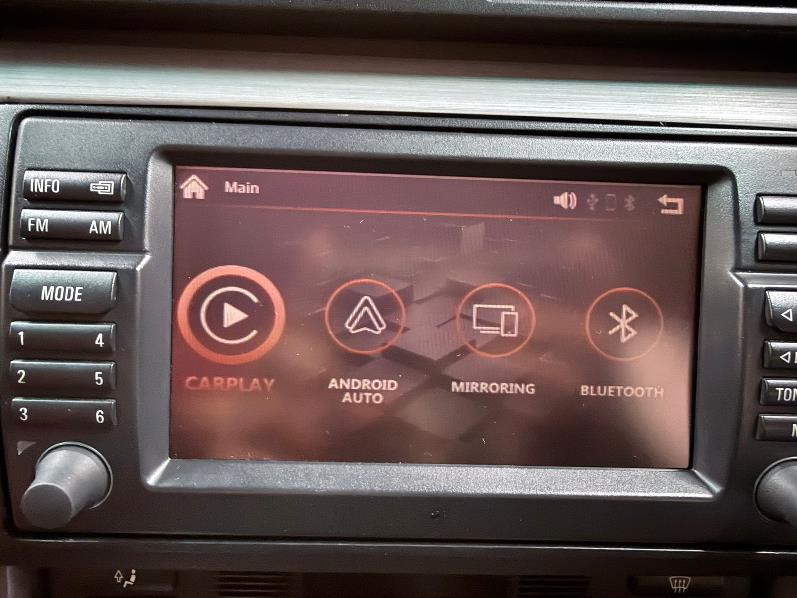
And then the same option will pop up. Push OK.
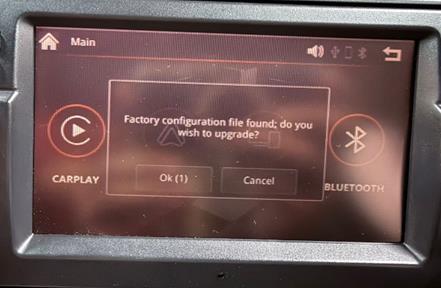
Then at the next pop up, REMOVE THE USB FIRST, and then select OK.
Reslution Fix:
Please unzip the file which suits your tv tuner. If unsure, please contact me or you can try all 3.
The files should like this in the root directory of the USB stick.
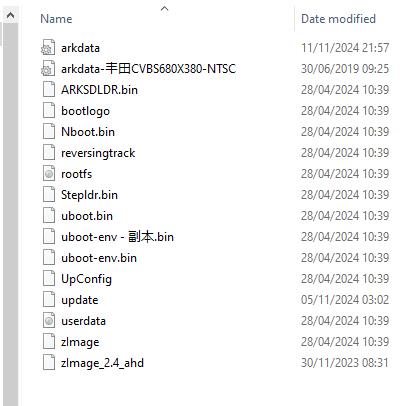
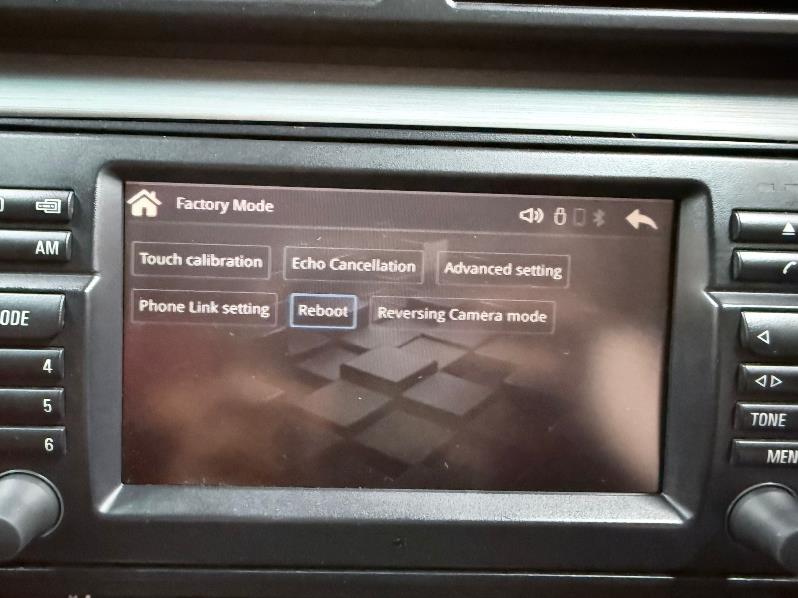
With ignition on, insert the USB stick. Nothing will pop up on the screen, as this update requires a reboot. So please goto Settings à System àFactory ModeàReboot.
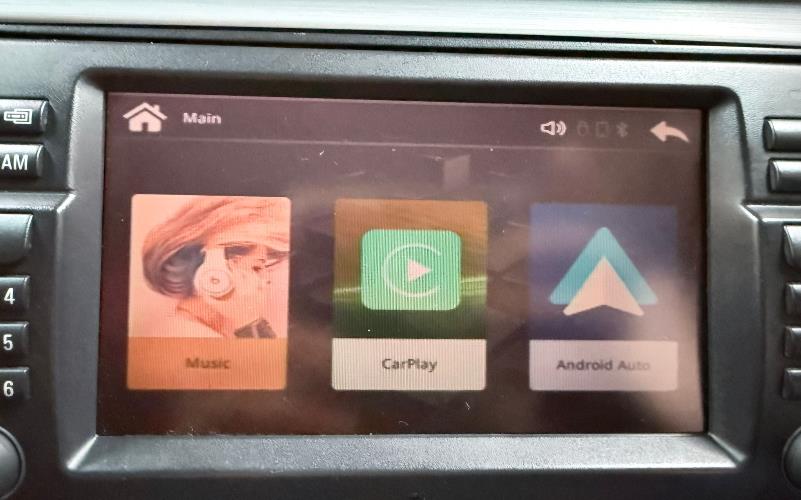
Once the system has rebooted, you can remove the USB stick. Your display should like the photo below, with 3 rectangular options.
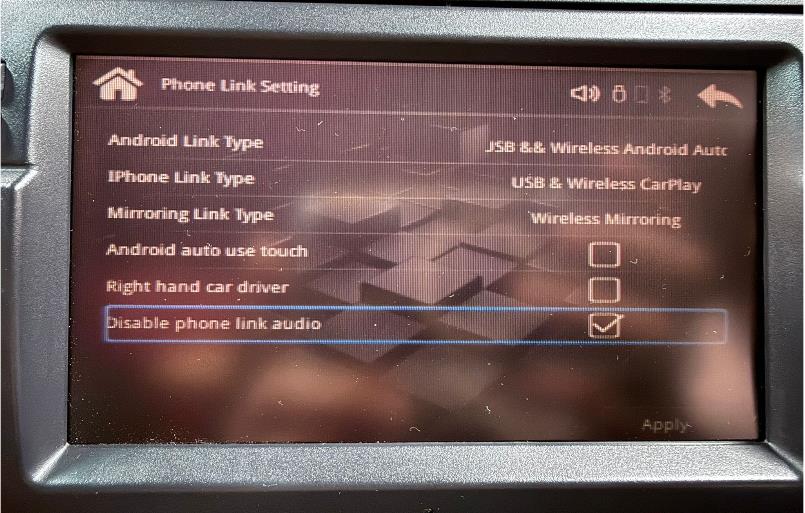
If you were using a seconday Bluetooth connection for audio and calls, please go to Phone Link Settings.
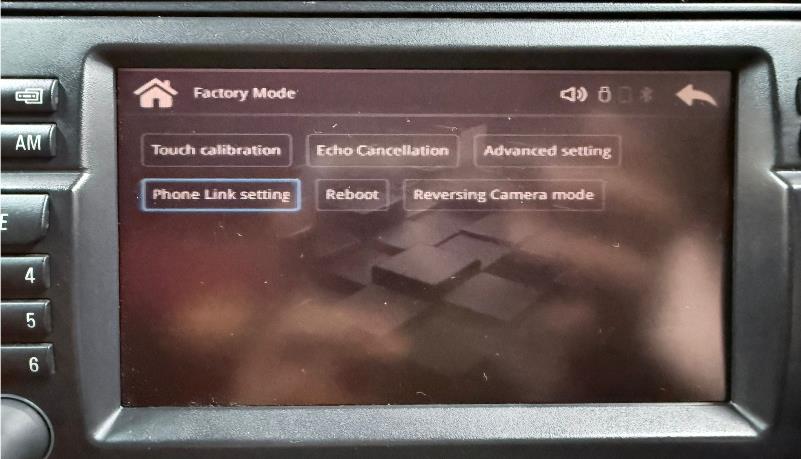
Select Disable phone link audio, and then Apply. You will need to reboot for it to take effect.
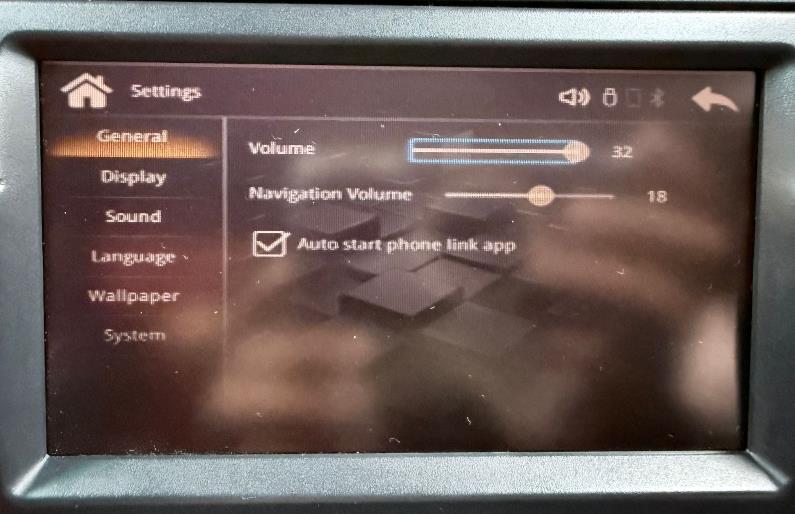
If you are using a direct cable to the carplay, don’t forget to adjust the volume to max.
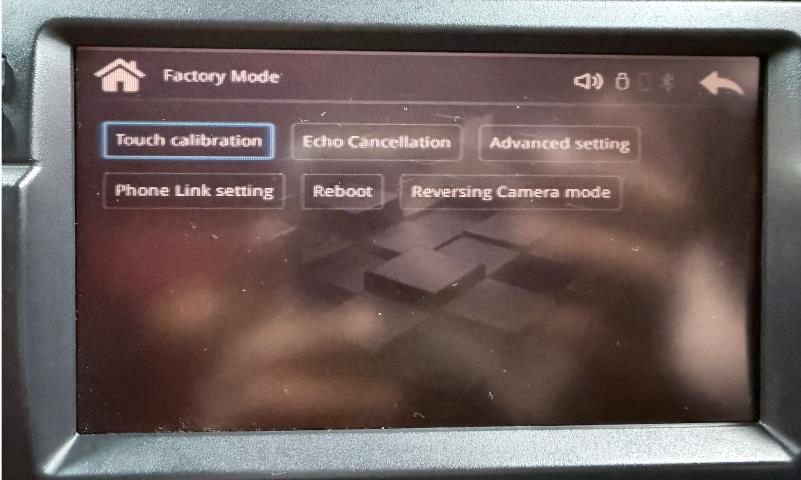
And if you have touchscreen option, you would need to recalibrate, by going to “Touch Calibration”.
If you get stuck, or need help, you can contact Carphonics via email info@carphonics.co.uk
Or Whatsapp +447958499151